
How to use the Petabolix app
Finding the right food for your dog should not feel overwhelming. Petabolix helps you understand your dog’s nutritional needs, compare food options, and get guidance tailored to your pet — in just a few steps.
No guesswork. No confusing labels. Just smarter nutrition guidance for your dog.
Find the right food in a few simple steps.

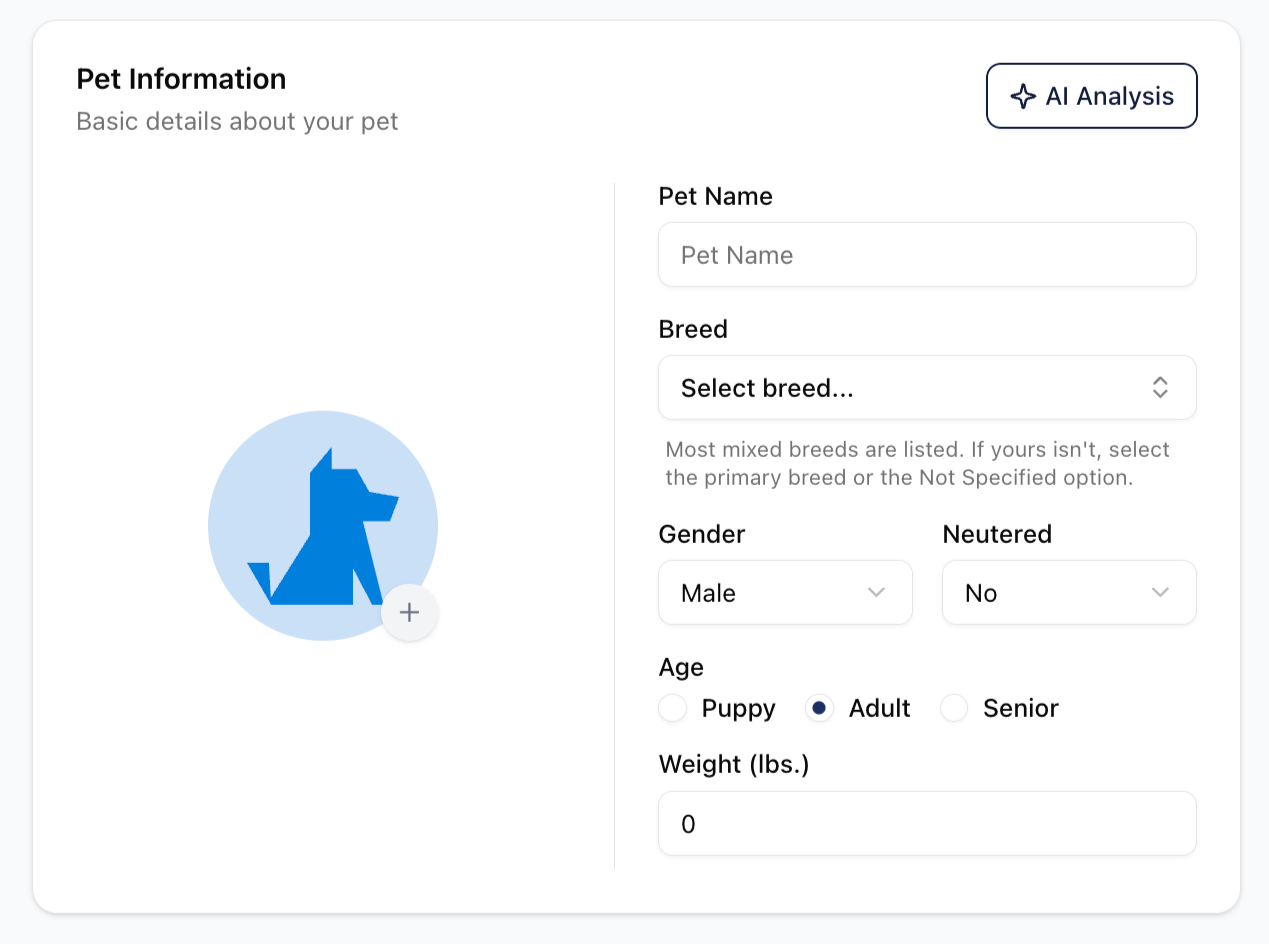
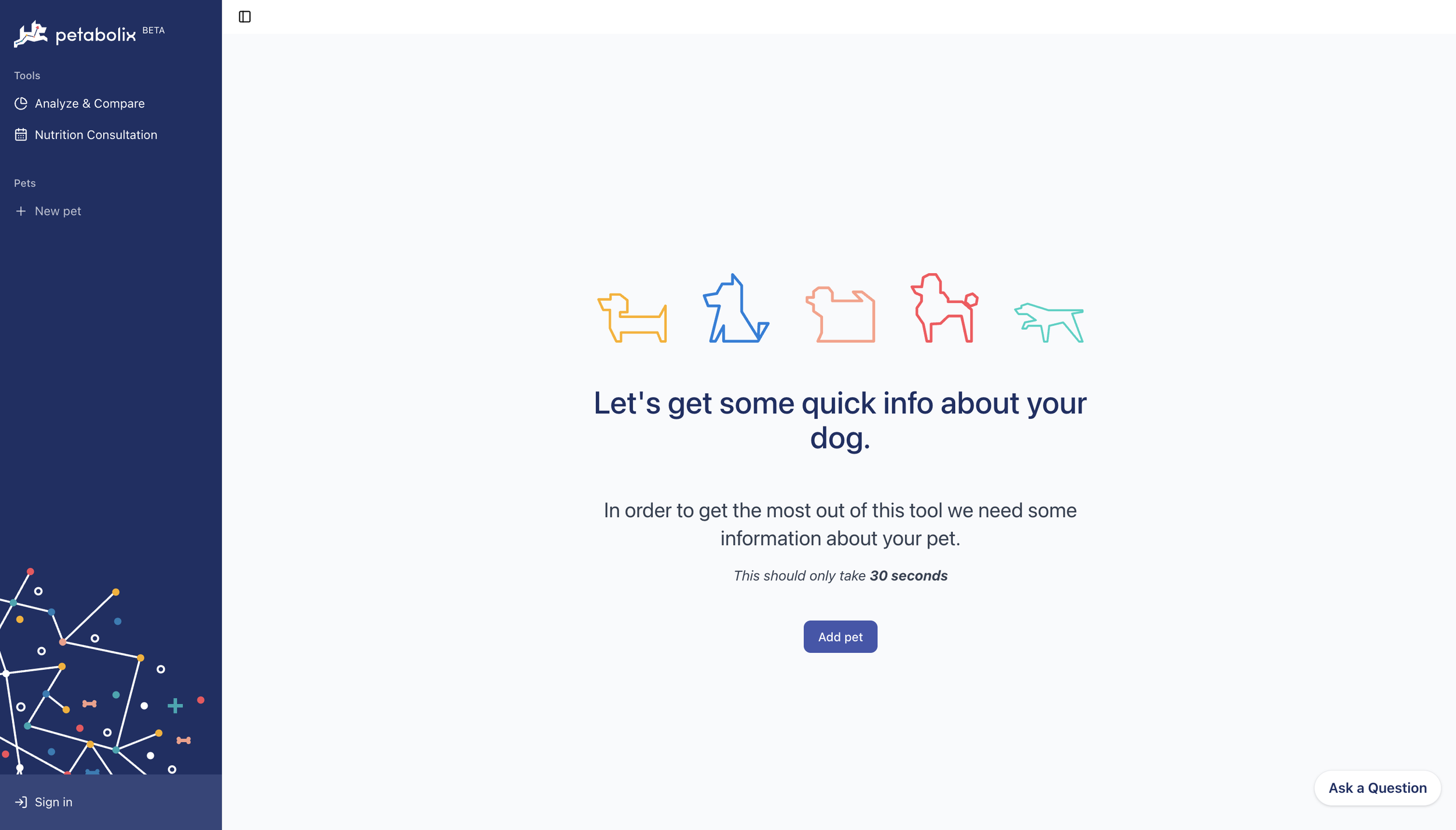
1. Add Your Dog
Start by clicking “Add a Pet” and entering a few basics about your dog, such as:
Breed
Age
Weight
Gender
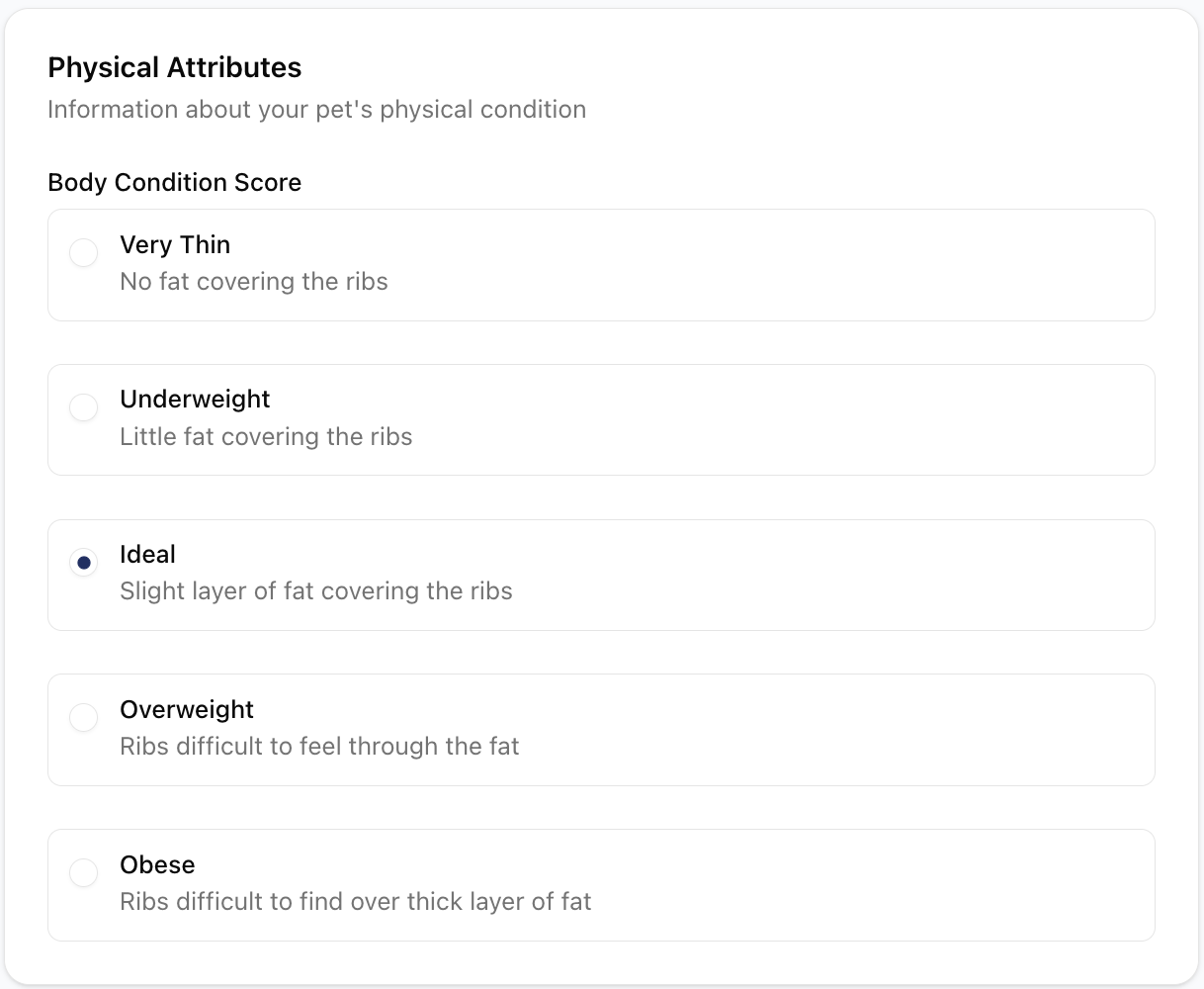
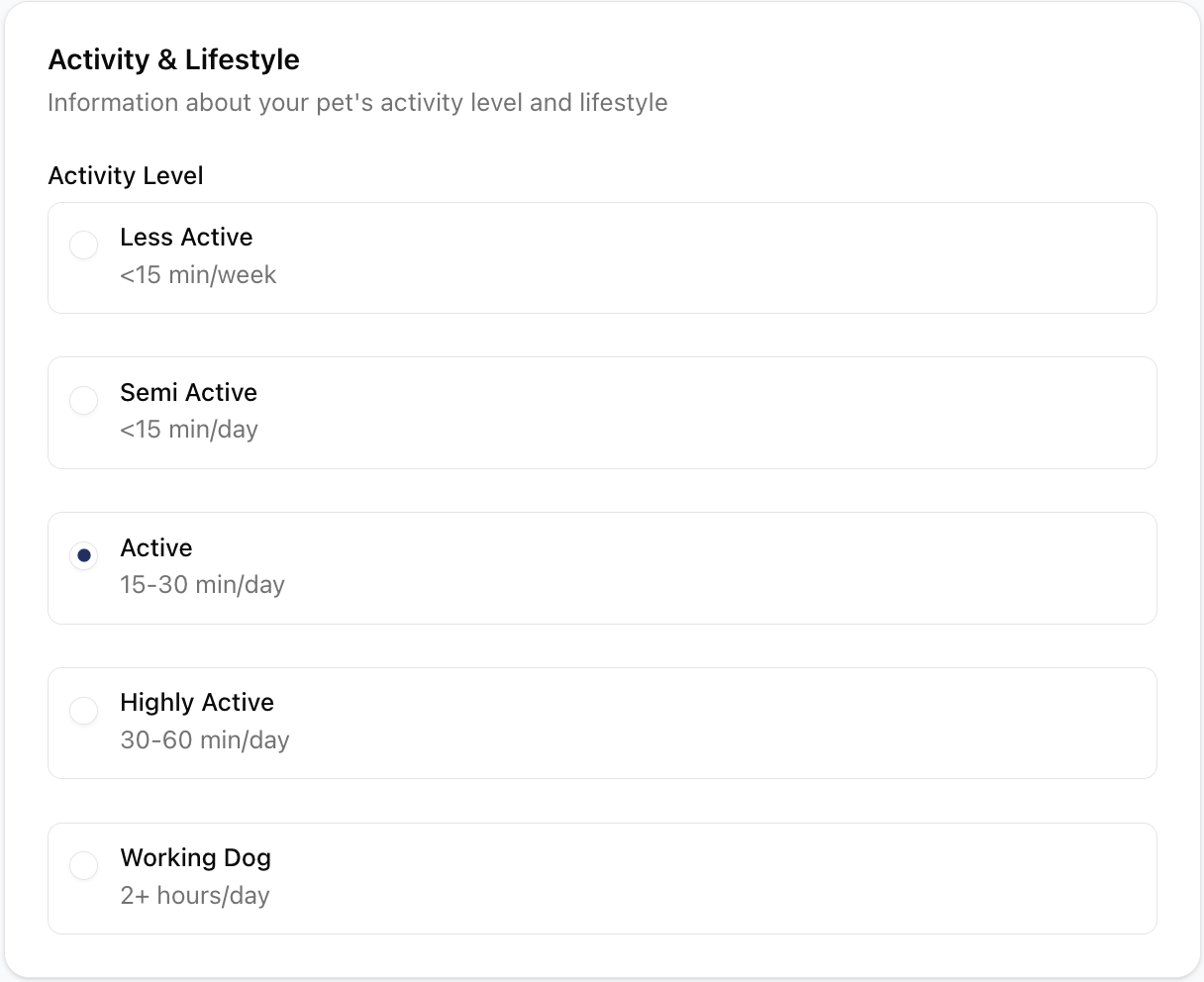
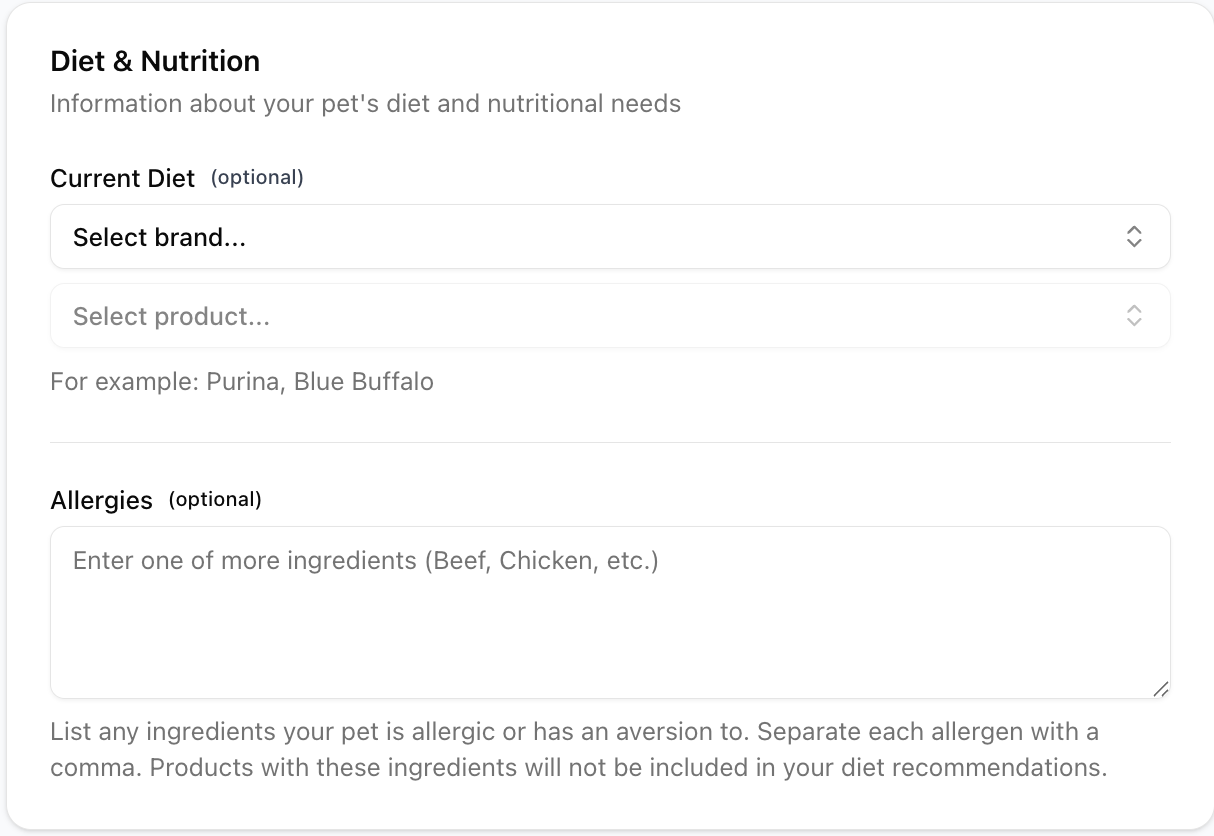
2. Tell Us About Their Needs
Every dog is different. Petabolix helps you go beyond the basics by factoring in things like:
Activity level
Body condition and weight goals
Allergies or sensitivities
Health priorities
Dietary preferences
3. Get a Personalized Nutrition Assessment
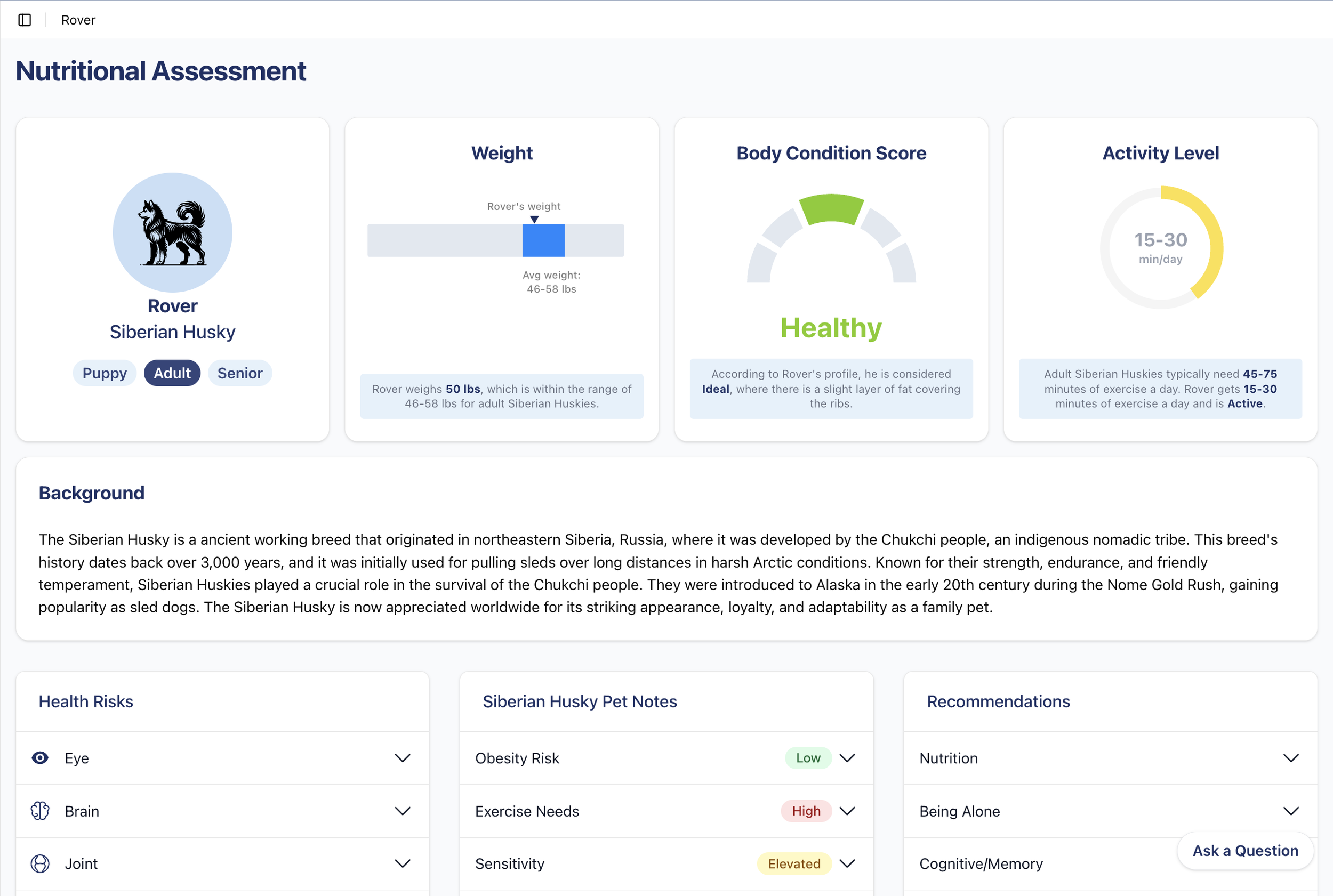
Once your dog’s profile is complete, Petabolix analyzes their information and generates a personalized assessment.
You’ll get insights into:
Your dog’s nutritional priorities,
What to look for in a food,
Factors that may matter for their breed, size, and life stage,
How to make more informed feeding decisions.
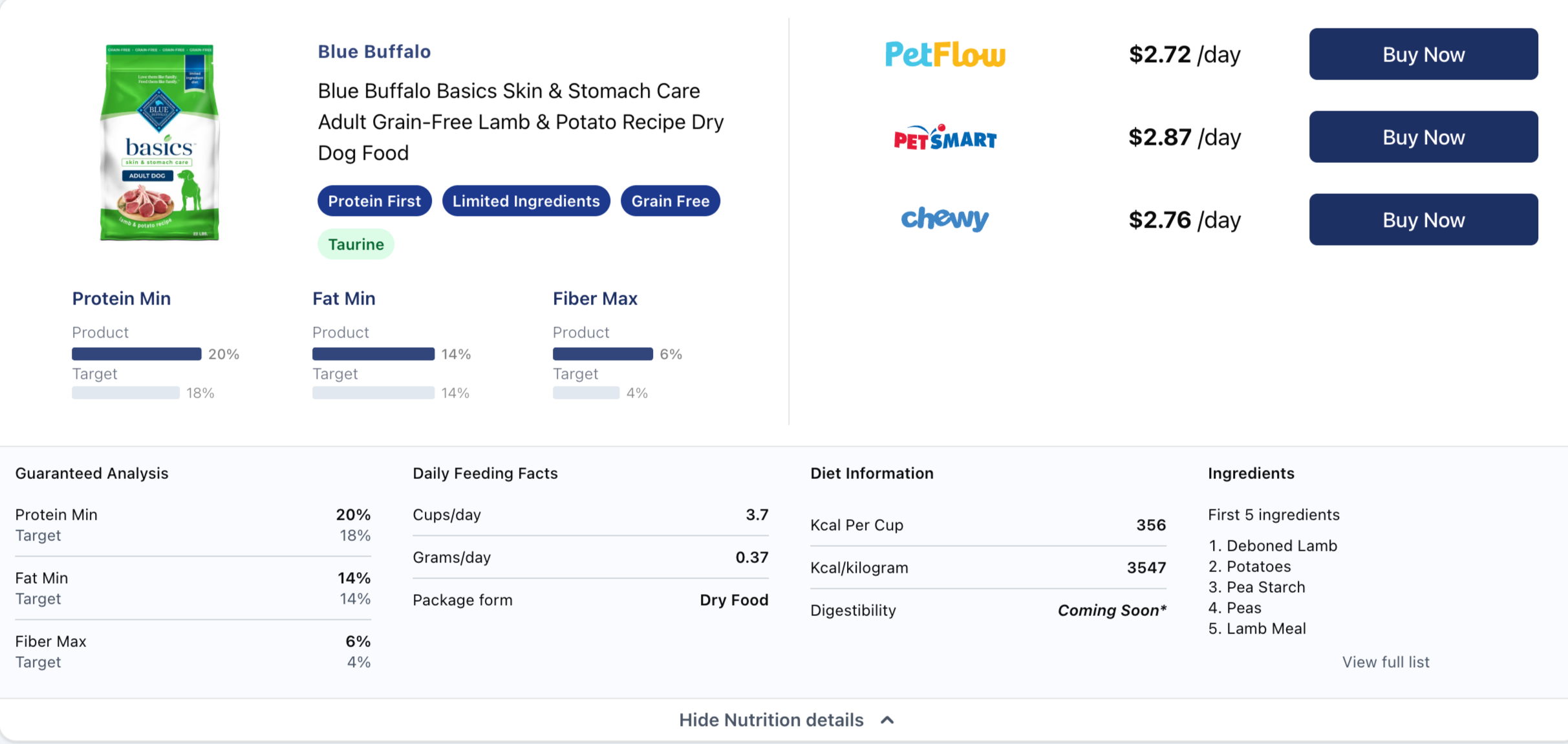
4. Explore Recommended Foods
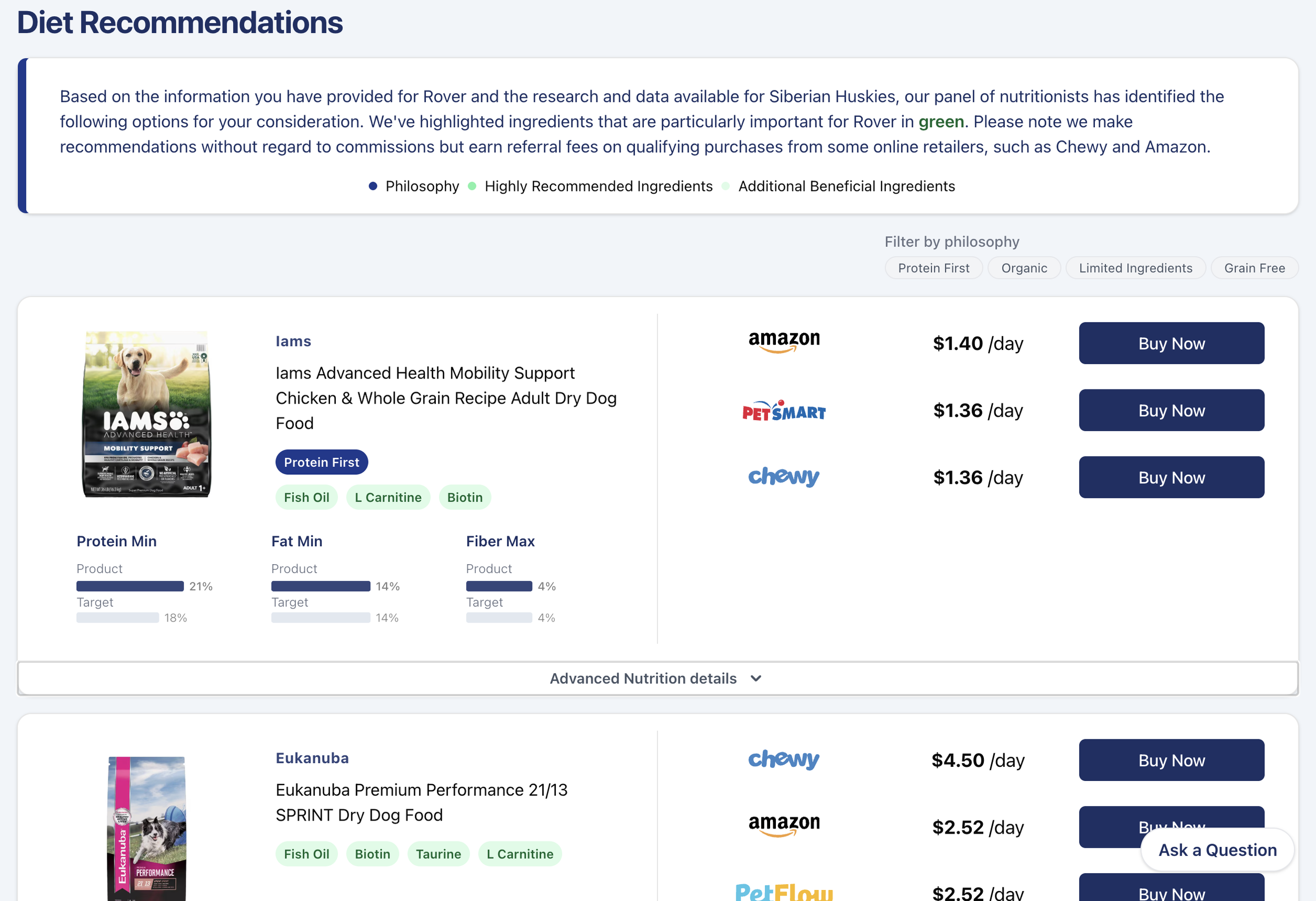
Petabolix helps you discover foods that better match your dog’s needs. Instead of sorting through endless products on your own, you can review options based on the information you entered and compare foods more confidently.
This makes it easier to narrow down choices and find a better fit for your dog.
5. Save Your Profile and Come Back Anytime
Create an account to save your dog’s profile and return later.
That means you can:
Revisit your dog’s assessment,
Update details as they grow or change,
Keep using Petabolix as an ongoing nutrition tool.
Petabolix helps you move beyond marketing claims and focus on what actually matters for your dog’s needs. Whether you are choosing a food for the first time, reevaluating your current routine, or trying to support a specific health goal, Petabolix gives you a clearer starting point.